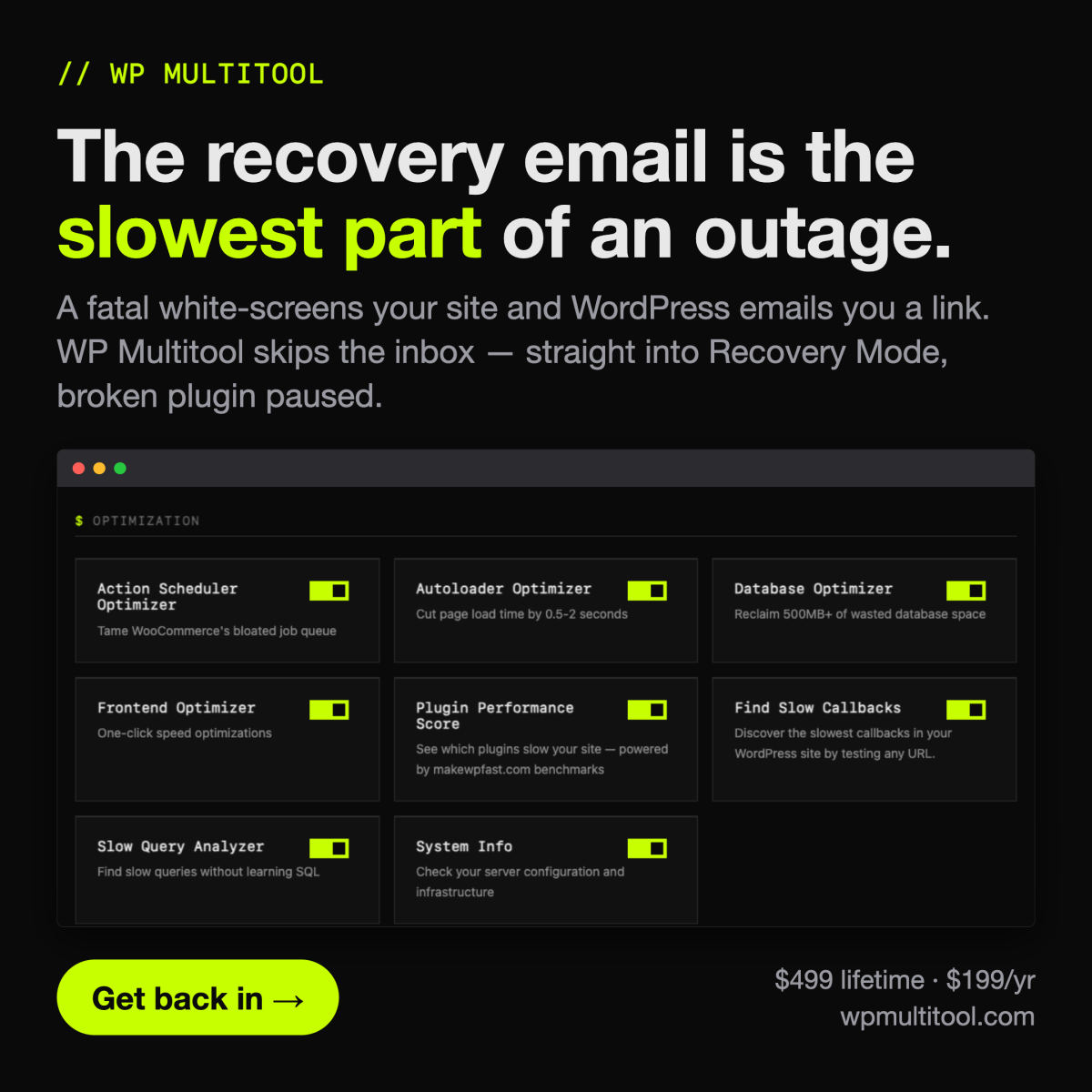
WP Multitool is a comprehensive suite of 14 modules designed to address the root causes of WordPress performance issues. Unlike many optimization plugins that focus on frontend caching or basic minification, this tool targets the backend. It provides actionable insights by running MySQL EXPLAIN queries to identify slow database operations and offers specific index suggestions. The plugin includes a range of utilities for managing wp-config files, cleaning databases, and optimizing autoloaded options. It is built for developers and site administrators who need more than just a surface-level speed boost. By keeping all analysis local to the server, it ensures data privacy and avoids external API dependencies. The tool is available via yearly subscription or a lifetime license, both of which support unlimited site installations. With built-in safety features like auto-backups and a fatal error handler, it aims to provide a secure environment for performance tuning. For those managing complex WordPress environments, it serves as a powerful alternative to juggling multiple specialized plugins.
WP Multitool - 9.2/10
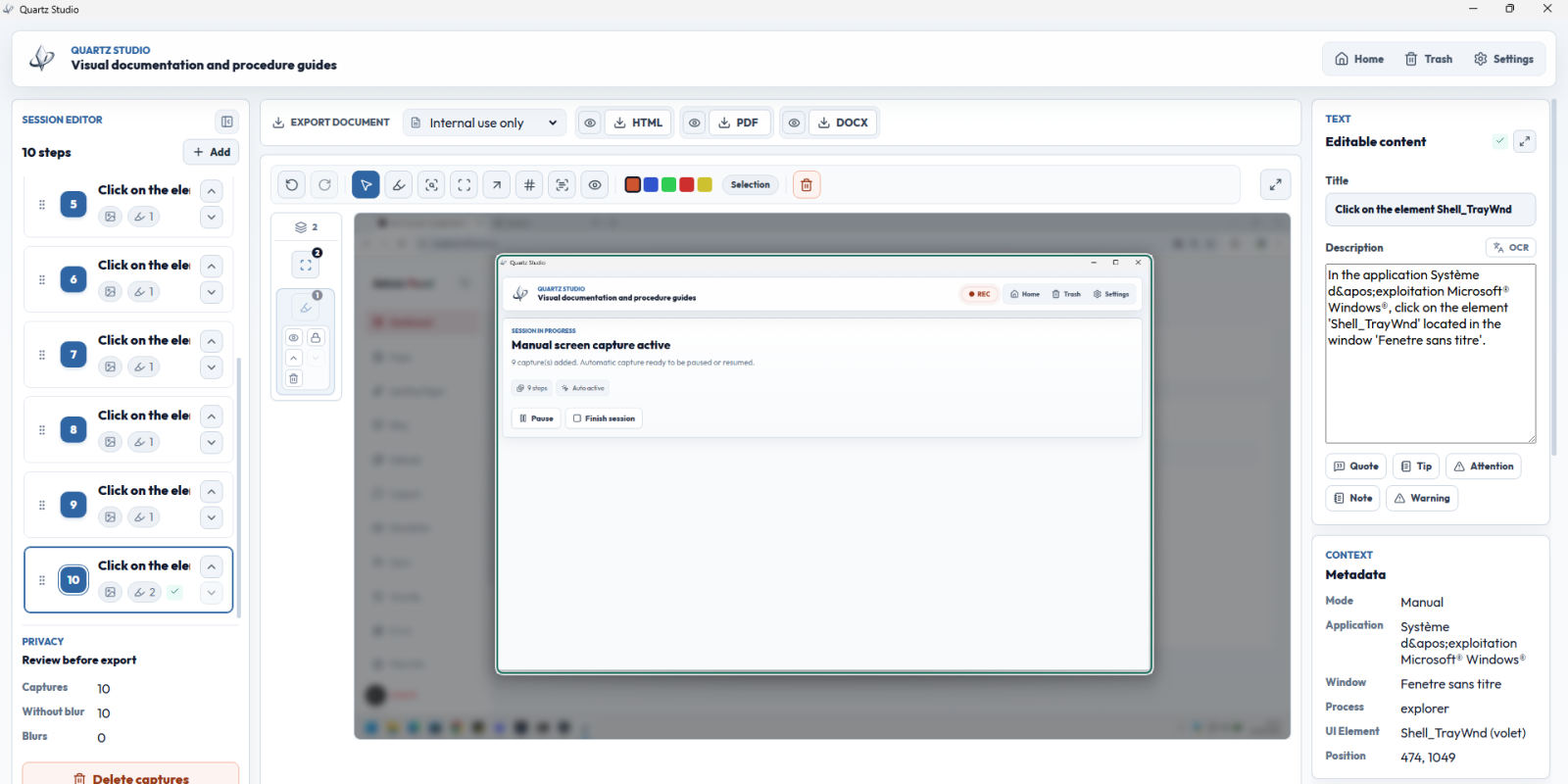
Quartz Studio is a local-first Windows application designed for IT support teams, helpdesk professionals, QA testers, trainers, and technical consultants who need to create clear step-by-step documentation faster.
The app helps users capture real desktop actions, review screenshots, edit titles and descriptions, blur sensitive information, use Windows OCR, and export professional documentation as PDF, DOCX, or HTML.
Unlike heavier knowledge base platforms or subscription-based documentation tools, Quartz Studio focuses on one practical workflow: turning real support actions into clean visual documentation. It is especially useful for support reports, troubleshooting guides, bug reproduction steps, software setup procedures, internal documentation, training material, and QA validation notes.
A key advantage is its local-first approach. Support screenshots often contain client data, internal tools, user information, or private environments, so keeping the documentation workflow on a Windows device gives users better control before anything is exported or shared.
Quartz Studio is available through the Microsoft Store as a one-time purchase with a lifetime license. For professionals and teams that want faster documentation without adding another recurring subscription, it offers a focused and practical alternative.
Quartz Studio - 9.0/10
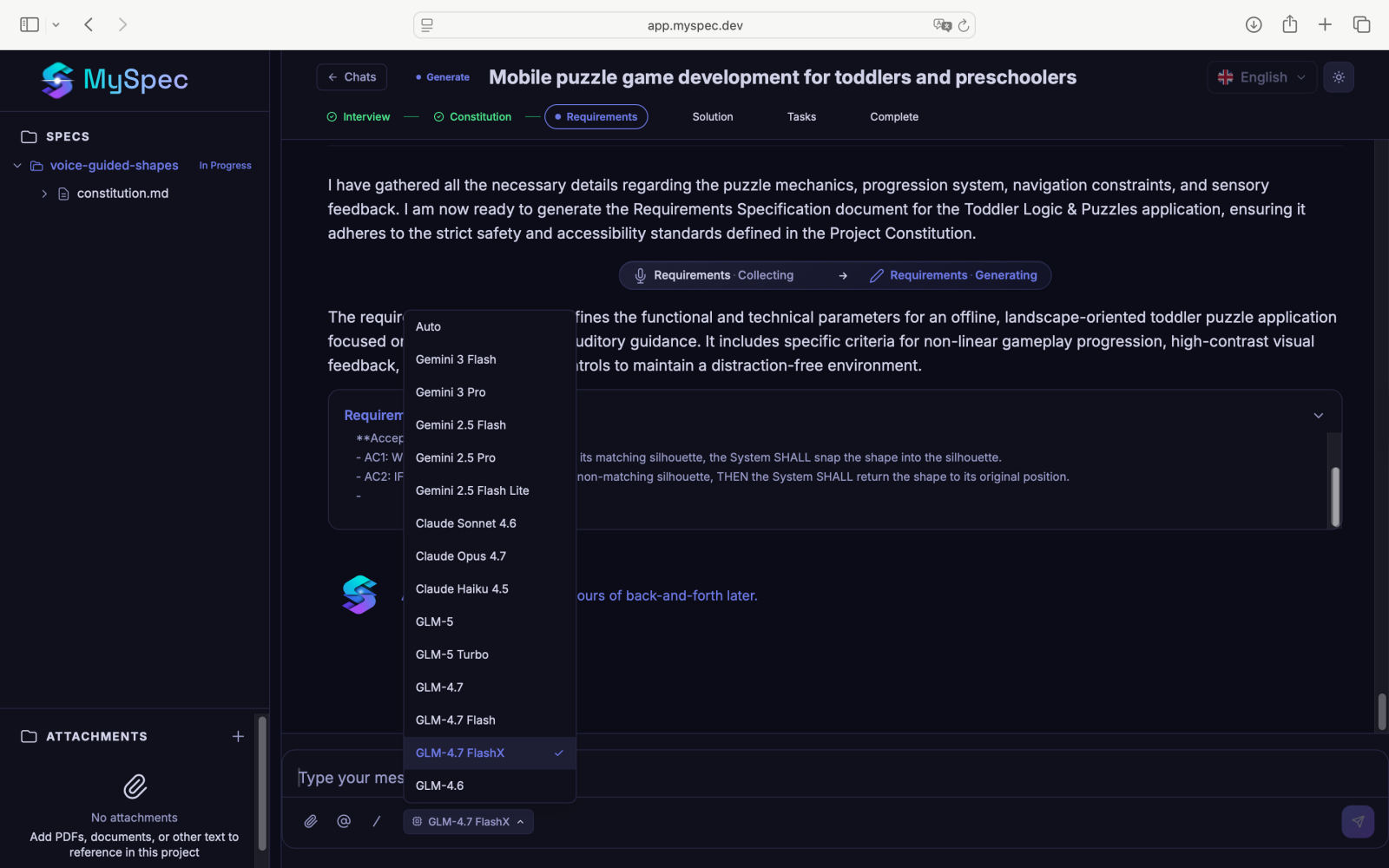
MySpec is a specialized web application designed to bridge the gap between initial product concepts and actionable code. By using a team of four AI agents, the platform acts as a virtual architect that interviews users to extract requirements, flows, and edge cases. The output is a standardized bundle of markdown files, including constitution.md, requirements.md, solution.md, and tasks.md. This approach aims to provide coding agents and human developers with the context they need to build software without the ambiguity of vague prompts. During its open beta phase, MySpec offers unlimited AI usage, making it an accessible tool for developers looking to formalize their planning process. The platform emphasizes Spec-Driven Development, ensuring that every project starts with a clear, version-controlled foundation. With features like live Mermaid diagram rendering and EARS+ acceptance criteria, MySpec attempts to reduce the time spent on planning while increasing the quality of the final implementation. It is a promising utility for teams and individual builders who want to move from idea to execution with fewer misunderstandings and less rework.
Myspec - 8.5/10